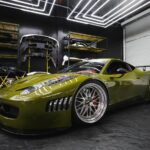

Converting a static image into a dynamic video used to require expensive software and professional expertise. Today, AI has changed that entirely. These eight tools let you animate any image while keeping its original style, colors, and aesthetic fully intact — no technical background required.
1. Pollo AI
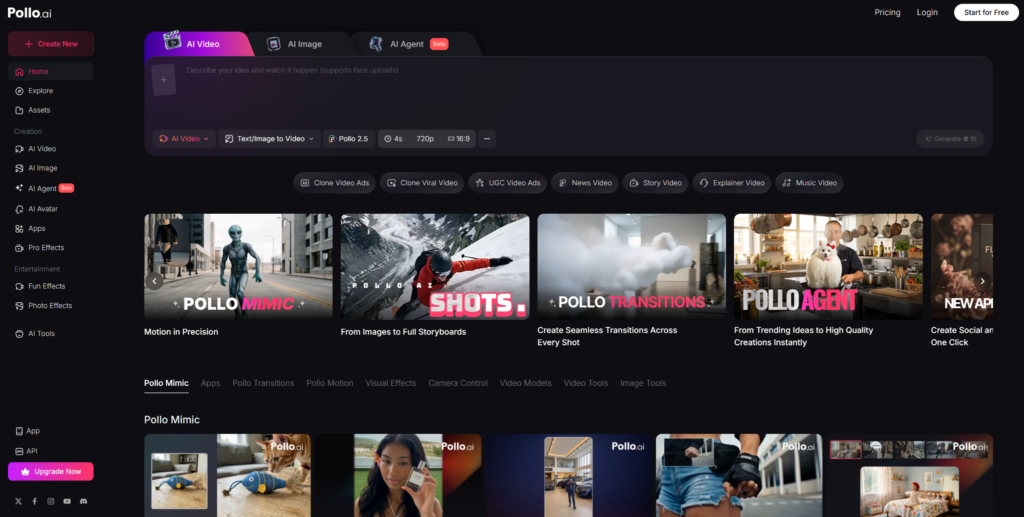
Pollo AI is one of the strongest image to video tools available for creators who care deeply about visual consistency. Its core strength lies in how faithfully it carries your source image’s style into the final video — whether that image is a watercolor illustration, a product photograph, or a digital painting. Pollo AI uses advanced motion modeling to generate smooth, natural animation without warping colors, distorting textures, or losing the overall aesthetic feel. You can guide the animation using text prompts, giving you control over the direction and intensity of movement.
Pollo AI also supports multiple aspect ratios, making it easy to produce content optimized for different channels like Instagram, YouTube, or TikTok. Its clean, intuitive interface means you don’t need any video editing experience to get professional-looking results. For creators, marketers, and artists who want reliable style preservation with minimal friction, Pollo AI is the place to start.
2. Biteable AI
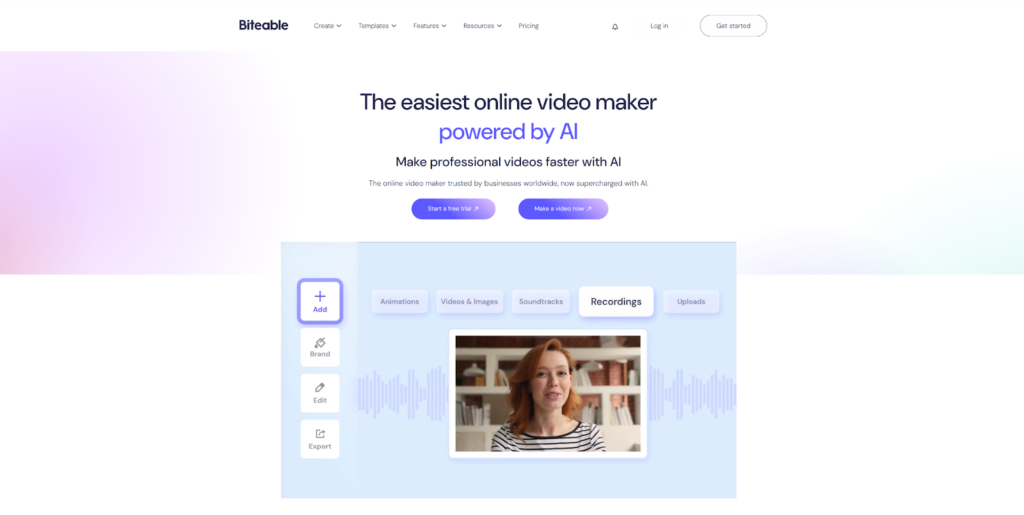
Biteable AI approaches image-to-video generation from a content creation and branding perspective, making it especially useful for marketers, small business owners, and social media managers. It converts static images into polished video clips while keeping your brand’s color palette, visual tone, and overall identity consistent throughout. Biteable’s workflow is structured and straightforward: upload your image, select a motion style, and let the tool handle the animation.
What sets Biteable apart is its library of complementary transitions and text overlay options that enhance rather than compete with your original image. The platform is designed for producing branded video content at scale, so if you regularly need to turn product images or promotional graphics into video ads, Biteable fits naturally into that pipeline. It may not offer the deepest motion customization, but it delivers clean, on-brand results quickly and consistently.
3. Seedance 2.0
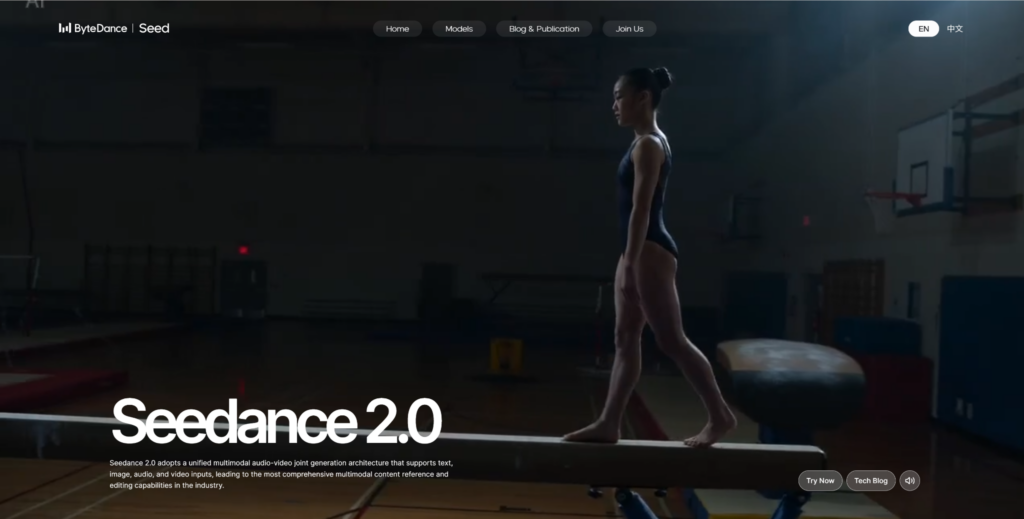
Seedance 2.0 has quickly built a reputation as one of the most style-aware image-to-video tools on the market. Built on an advanced diffusion-based architecture, it goes beyond simple animation by actually analyzing the aesthetic DNA of your source image — including its lighting conditions, texture quality, color grading, and compositional style — and then replicates those qualities throughout the generated video. This makes Seedance 2.0 particularly impressive when working with illustrated or artistically stylized images, where preserving the creator’s signature look is non-negotiable.
The tool also offers fine-grained motion controls, allowing you to dial in subtle effects like parallax depth, gentle zoom, or soft environmental movement. Digital artists and animators who want their work to feel alive without losing what makes it distinctly theirs will find Seedance 2.0 to be a genuinely powerful creative partner.
4. Runway ML
Runway ML is one of the most established and respected names in AI-generated video. Its Gen-2 and Gen-3 models support robust image-to-video workflows with a strong emphasis on visual fidelity and cinematic quality. Users upload a reference image and pair it with a descriptive text prompt to steer the motion, and Runway does an excellent job of keeping the original style grounded throughout.
Runway is widely used by filmmakers, creative directors, and studio professionals who need output that meets a high production standard. Beyond image-to-video, Runway also offers a comprehensive suite of video editing tools, making it a full end-to-end solution for anyone who wants to produce and refine video content in one place.
5. Kling AI
Developed by Kuaishou, Kling AI has become a widely used tool for generating stylistically faithful videos from still images. Its proprietary motion model places a strong emphasis on subject consistency, ensuring that faces, objects, and background elements remain recognizable and coherent across every frame of the clip. Kling handles both realistic photography and stylized illustrations well, producing smooth, natural-looking motion in both cases. It is particularly effective when animating portraits or character-based artwork, where maintaining visual likeness is critical. The tool has attracted a large and growing user base, and regular model updates have kept its output quality competitive with more established platforms.
6. Pika Labs
Pika Labs offers a fast, accessible image-to-video pipeline that consistently delivers strong style retention. The process is simple: upload your image, write a short prompt describing the desired motion, and Pika generates a clip that stays true to your original aesthetic. It handles a wide range of visual styles, from photorealistic images to hand-drawn illustrations, with reliable results across the board.
One of Pika’s notable strengths is its active development cycle — the community regularly receives new style presets, motion modes, and feature updates. For creators who prioritize speed and want a tool that works well across different image types without requiring heavy configuration, Pika Labs is a strong everyday option.
7. Luma Dream Machine
Luma Dream Machine specializes in producing cinematic, high-motion video from static images, with a particular talent for physically plausible movement. Think water that ripples naturally, fabric that flows with the right weight, or light that shifts across a surface in a believable way.
Dream Machine achieves all of this while staying closely aligned with the source image’s composition, tone, and color palette. It performs best with photographic inputs but handles stylized images capably as well. The output quality is consistently high, and despite its impressive results, the interface is accessible enough for independent creators to use without any professional video production knowledge.
8. Haiper AI
Haiper AI closes out this list with a focus on speed, efficiency, and style accuracy. It uses a lightweight but well-optimized model that can generate short animated video clips from images in a matter of seconds. Despite the fast processing time, Haiper maintains a strong visual match to the original image, preserving fine details like brush strokes in painted artwork or film grain in analog-style photography. This makes it especially practical for creators who produce large volumes of content and need a tool that processes quickly without drifting from the source material.
Haiper may not have the most advanced motion controls on this list, but its consistency and turnaround speed make it a dependable workhorse for high-output workflows.
Each of these tools takes a distinct approach to image-to-video generation, but they all share one core goal: keeping your original visual style intact. Whether you’re animating brand assets, personal artwork, or product photography, there’s a tool on this list that fits your workflow. Start with the one that matches your use case and experiment from there.