Visual design in digital illustrations draws on color theory, composition, and illustration techniques to create immersive digital scenes that feel deep and real. These core methods connect traditional canvas brushwork to many visual patterns used in modern designs. When you combine these elements just right, they layer space, light, and texture in a way that allows scenes to breathe with natural pull. Let’s explore in more detail the magic of these elements and how they all come together in practice.
Composition Principles
Composition holds everything in place across digital scenes, from open vistas to dense grids. Artists typically divide the canvas using the rule of thirds, positioning focal points like mountain ridges or gem stacks at key line intersections for natural balance. Then come the leading lines, such as winding rivers or smooth cascading paths, which naturally guide the viewer’s eye from the foreground all the way to the horizon. At the same time, clever overlaps and scale variations build that all-important depth. This means larger elements command attention up front, while smaller ones recede smoothly into misty backgrounds.
This is specifically evident in tumbling grids, which you can see when you try sweet bonanza and other games. In these cases, back rows are compressed with a subtle tilt, so motifs stack endlessly without chaos. Foreground items pop large and bold, distant ones shrink just right. Meanwhile, negative space carves out breathing room around clusters, much like clear skies framing traditional landscapes.
Color Theory Foundations
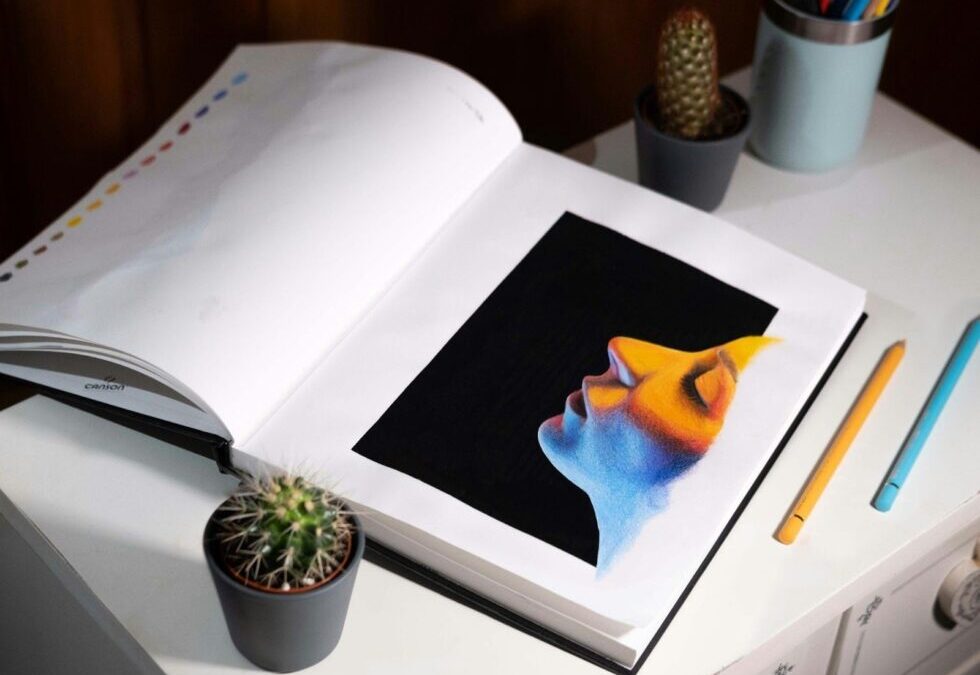
Color theory is your tool for setting mood and dialing in distance, starting with the colour wheel‘s primaries – red, yellow, and blue – which mix easily into secondaries like orange or green. Complementary pairs such as blue against orange deliver bold contrast, while analogous blends like yellows flowing into oranges create warm, unified sunlit vistas. Warm tones naturally advance foreground objects, and cooler shades push distant elements into a hazy backdrop, adding real depth across fields or busy grids.
Digital RGB interfaces can help you adjust hue, saturation, and value separately, so you can select four hues and derive shades via brightness variations. This keeps front elements saturated and crisp, with edges softening gradually for an airy feel in grids or wide views.
Illustration Techniques
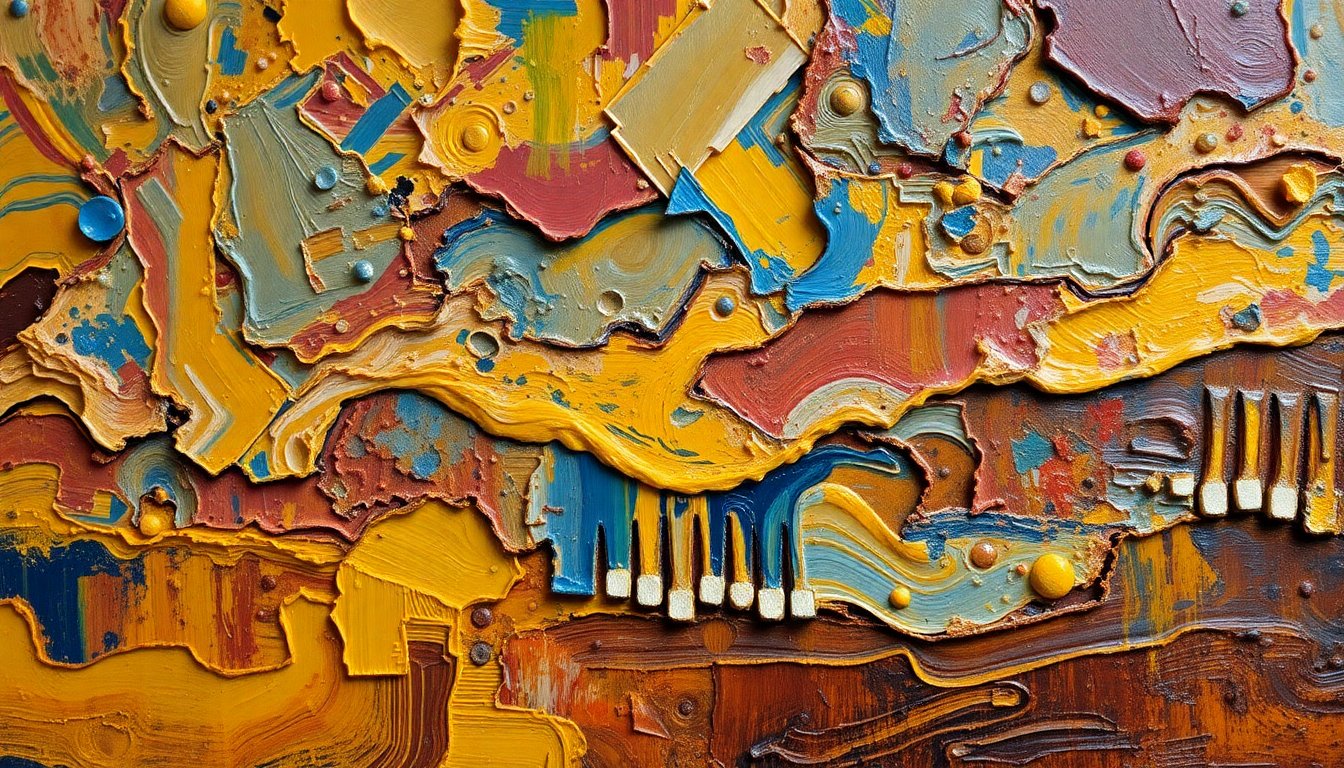
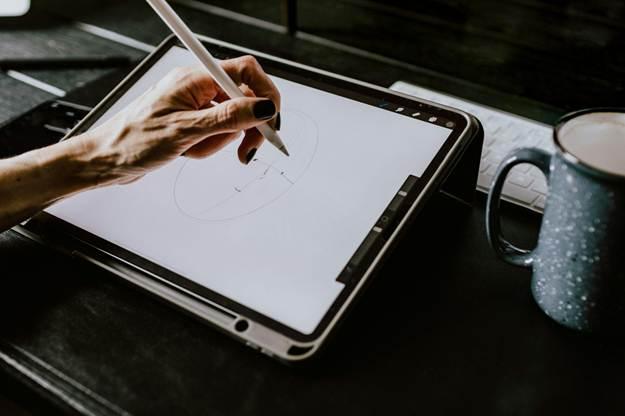
Illustration techniques make digital work feel like painting on canvas with brushes that get softer when you push harder, just like real oil paint. First, paint big loose colors for the main shapes; then add small parts with a smudge tool to mix colors smoothly. From there, scatter brushes can help you add grass tufts or branch textures around trunks.
On the other hand, the multiply mode applies dark shadows along the edges of objects, which creates convincing roundness and form. Screen mode pulls in bright highlights from a single overhead light source to add a realistic glow. Additionally, alpha channels keep your new colors locked tightly to their original base areas without any spillover or mess. The liquify tool then lets you nudge branches or outlines into place afterward, creating that natural flow.
By following these visual design principles, you can now craft immersive digital scenes that blend the best of classic techniques with cutting-ed